01 SCAN
A photograph of a page becomes text.
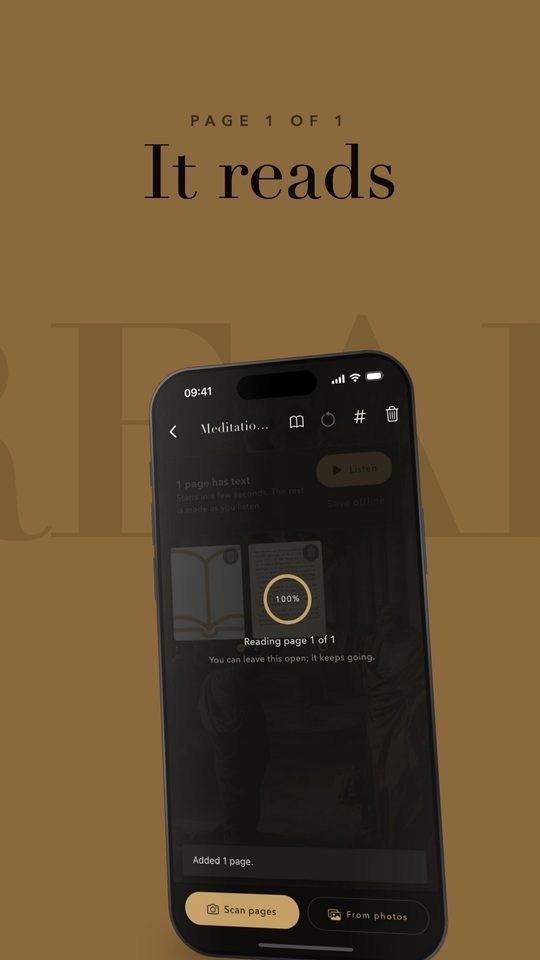
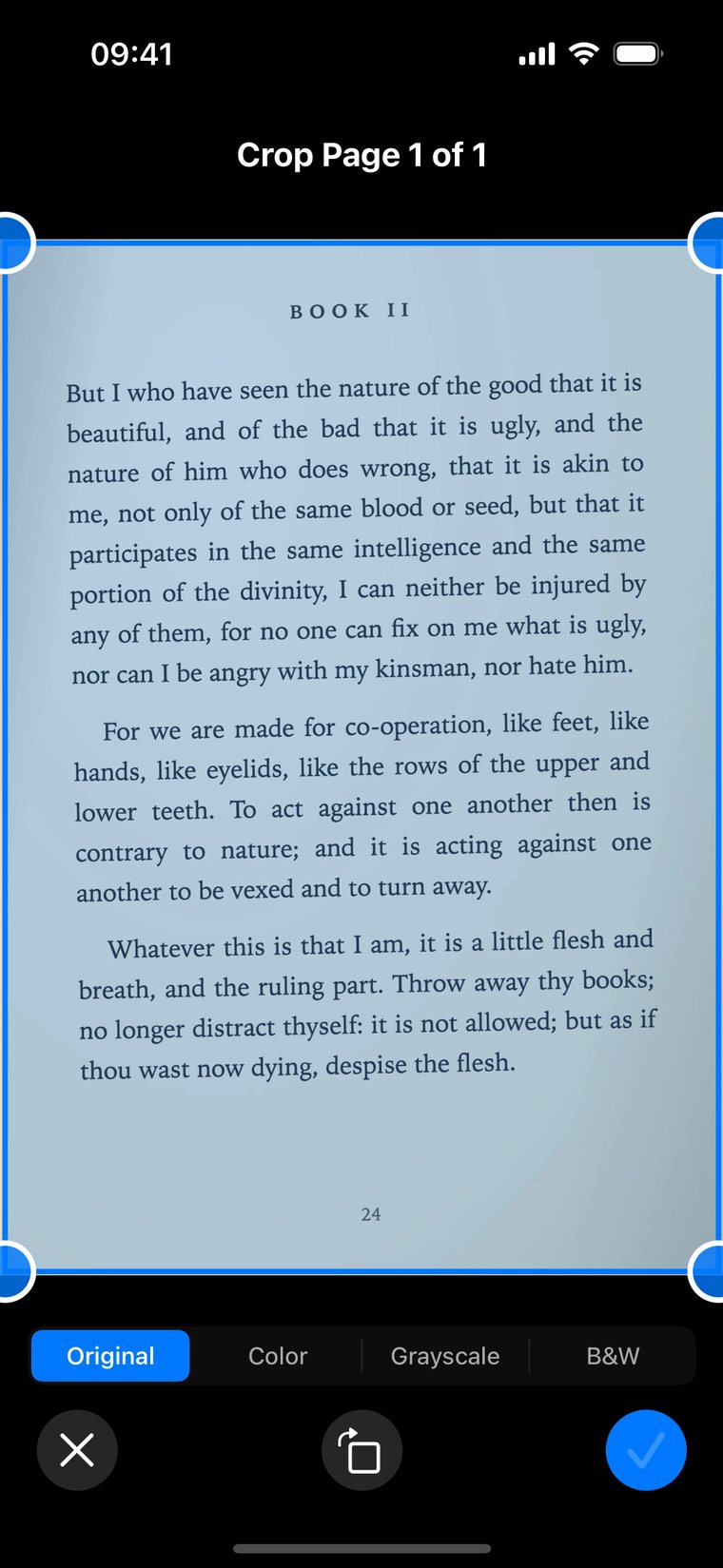
Crop the page and Legenda reads it and hands it back as text, page number included. Nothing to retype.
For iPhone
Legenda is a reading app. Photograph a page of a book you own, or bring in a PDF, an EPUB or a web page. Then read it your way, or listen while each word is lit.
Legenda is not in the App Store yet. Early access will be announced on the YouTube channel.
I What it does
Crop the page and Legenda reads it and hands it back as text, page number included. Nothing to retype.
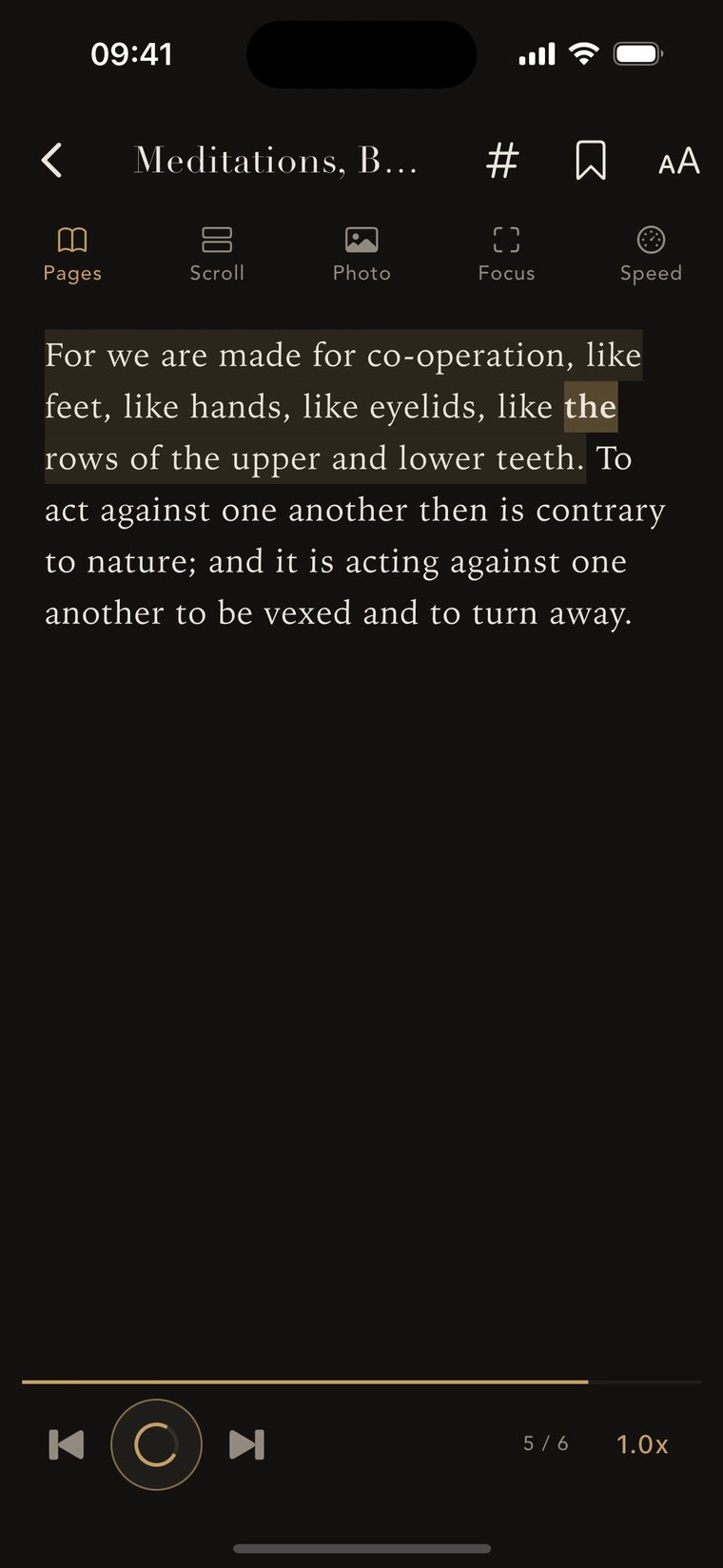
Press play and the sentence being read is highlighted, so you can follow along or look away. Choose a narrator and a pace.
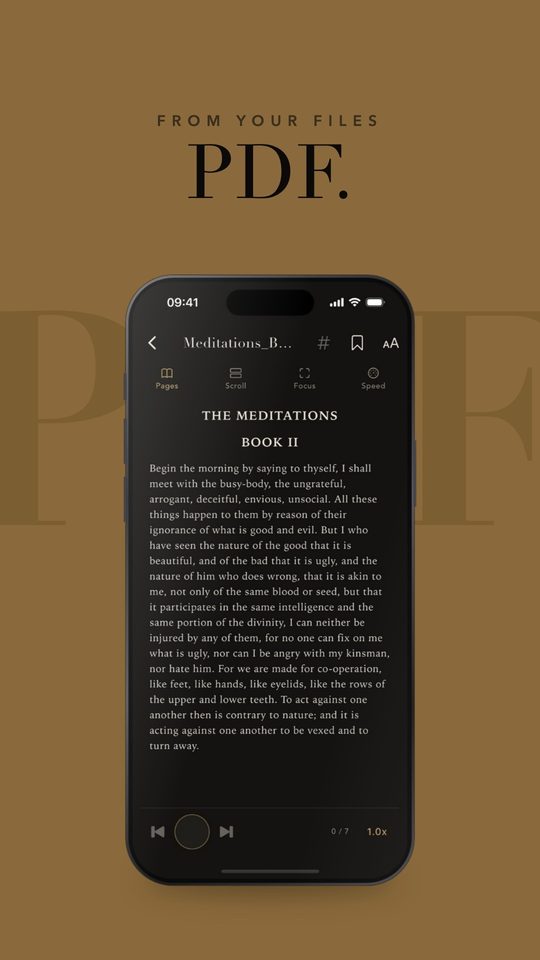
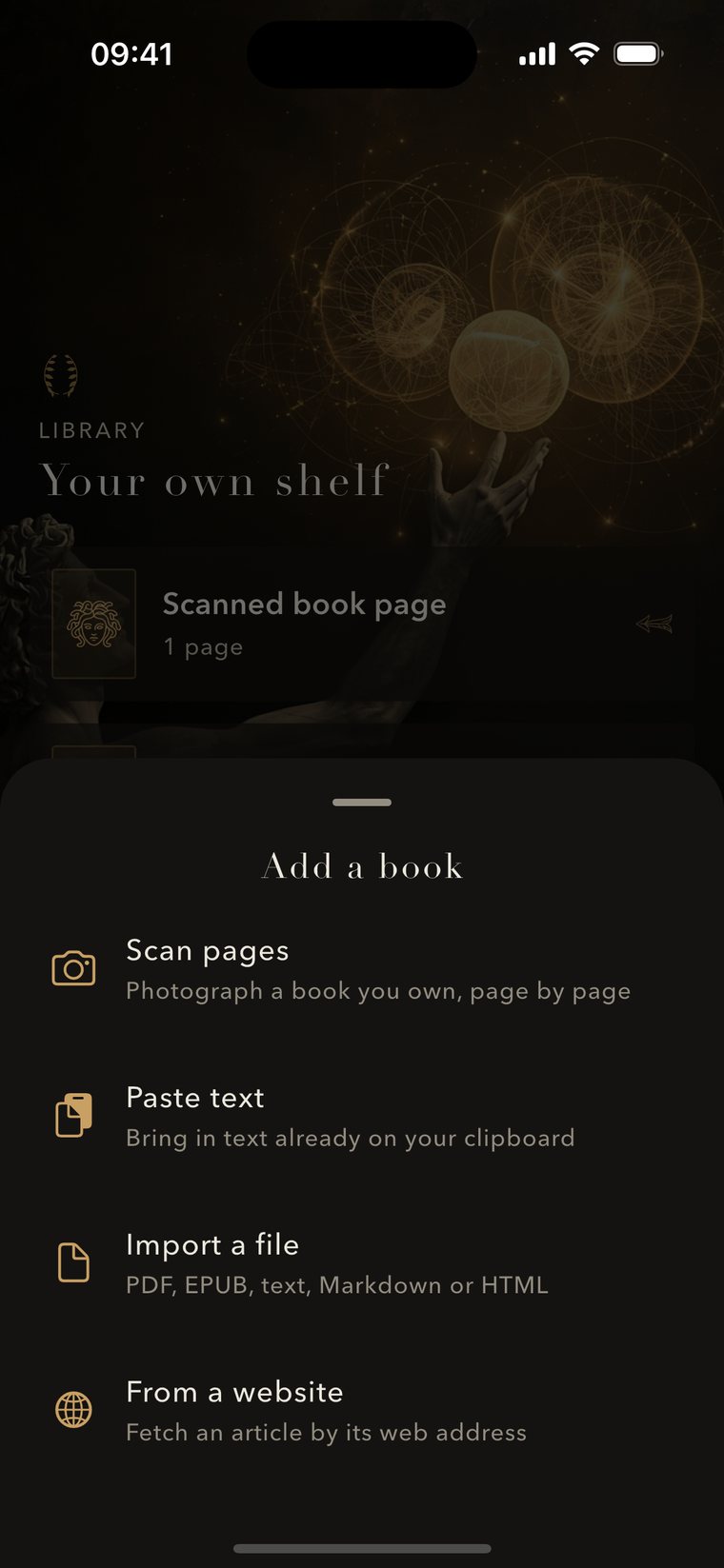
Open a PDF, EPUB, text or Markdown file, paste from your clipboard, or fetch an article by its web address. Everything lands on one shelf.
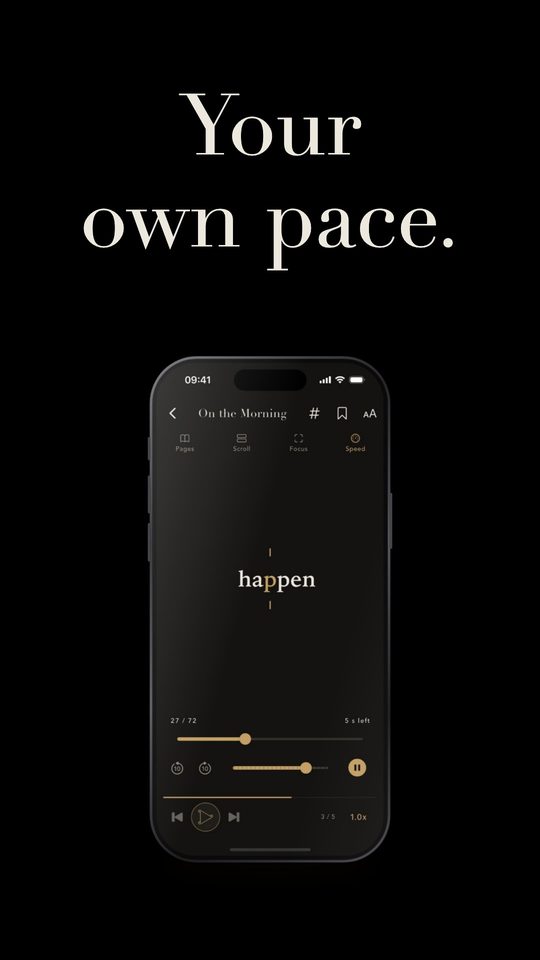
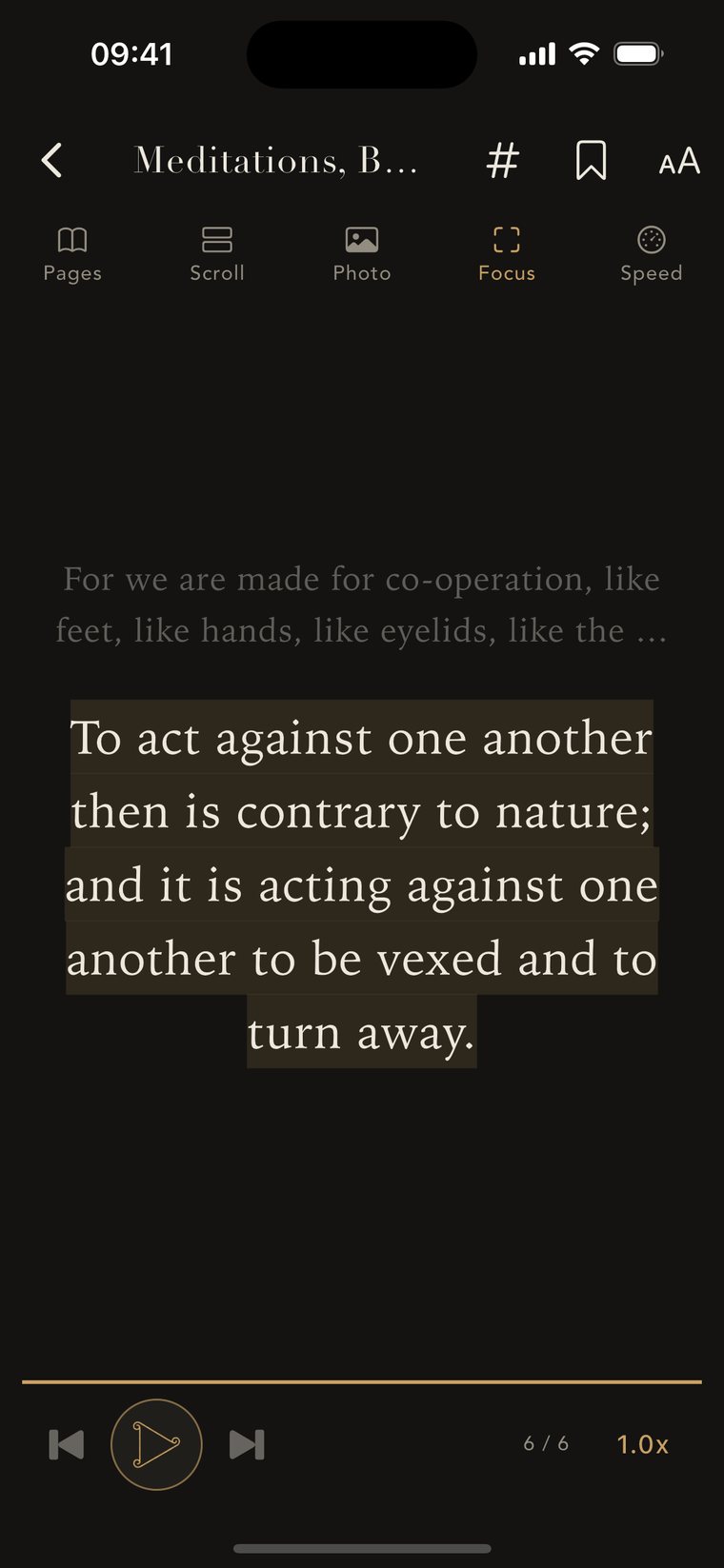
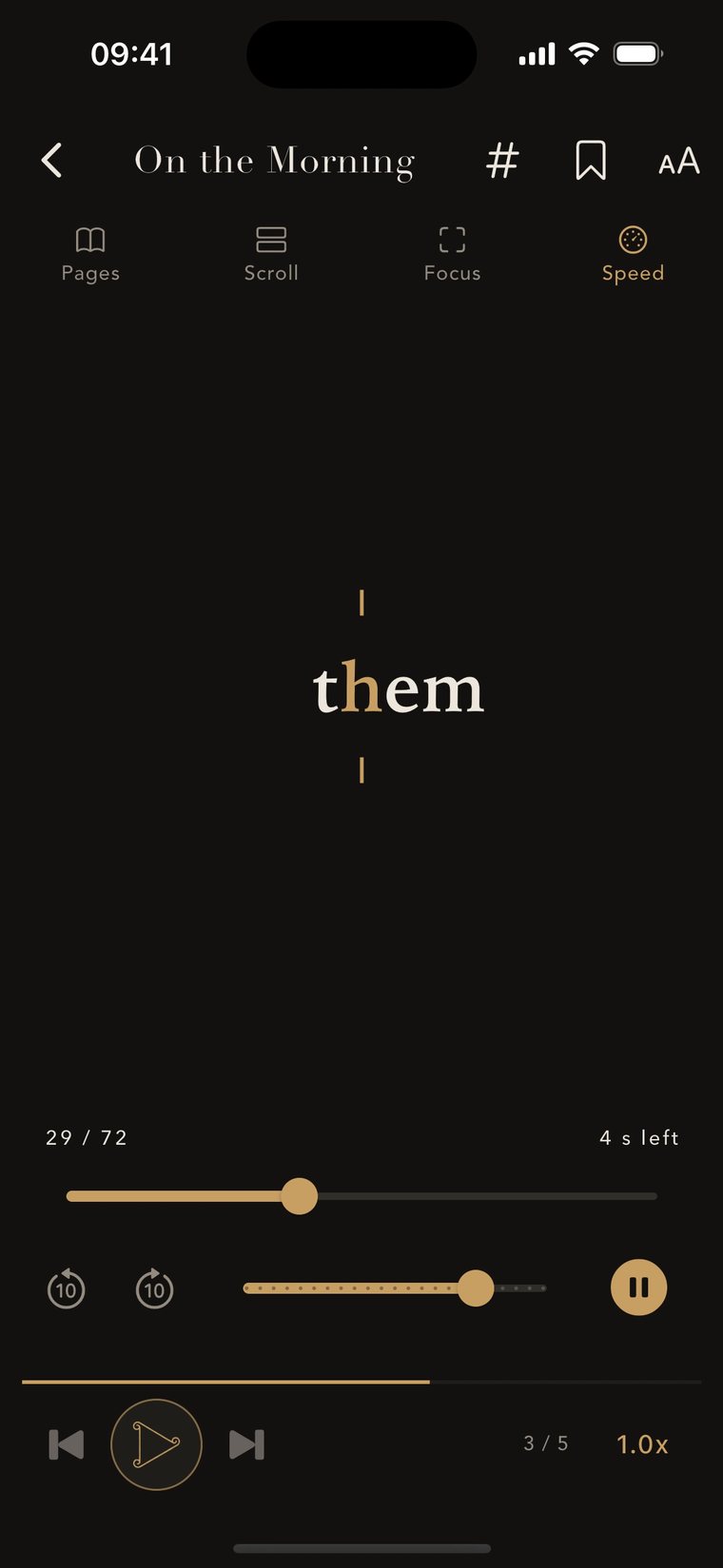
Pages, like the book. Scroll, one long page. Focus, one sentence at a time. Speed, one word at a time with the key letter held still, at your pace up to 700 words a minute.
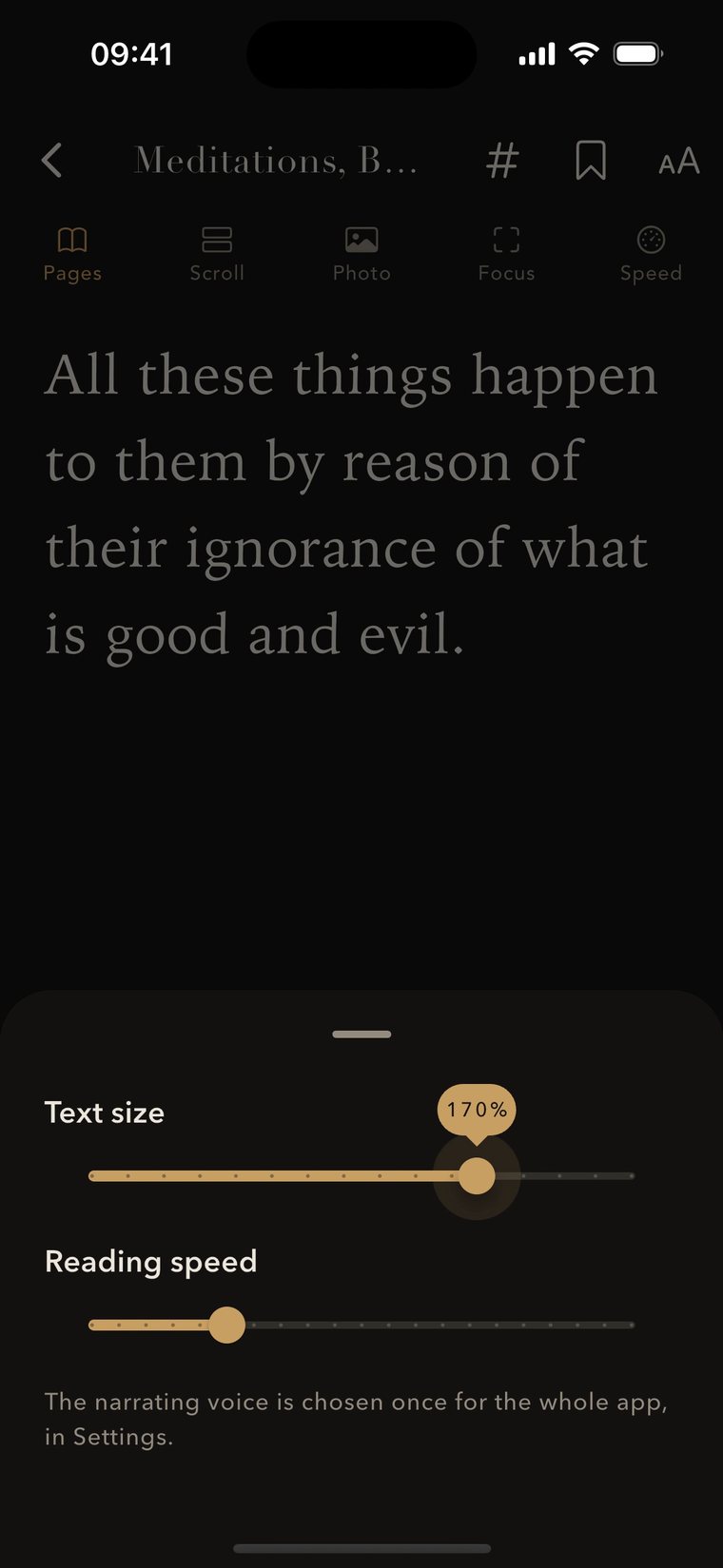
Drag one slider to go up to double size. Press and hold any sentence to copy it.
II See it move
Each one is under thirty seconds and shows a single thing the app does.
III Private by design
Your library, scans and text are stored in the app. Text is recognised on the phone with Apple's Vision.
No sign-in, no analytics, no ads and no tracking.
Voices and web pages download when you choose. An online voice stays off unless you add your own key. Read the policy.

New short films every few days, and early access announced first on the channel.